Welcome to Sample App
This app allows you to offer sample products to your customers, manage sample settings, and integrate buttons into your Shopify store theme.
Theme App Block Setup
Add this app block to your store theme to enable the Sample Product features on your product pages. This block allows customers to view and request sample products directly from your storefront.
Click the button below to automatically open the Theme Editor and insert the Sample Button block into your product page layout. After adding it, you can customize text, styles, and placement.
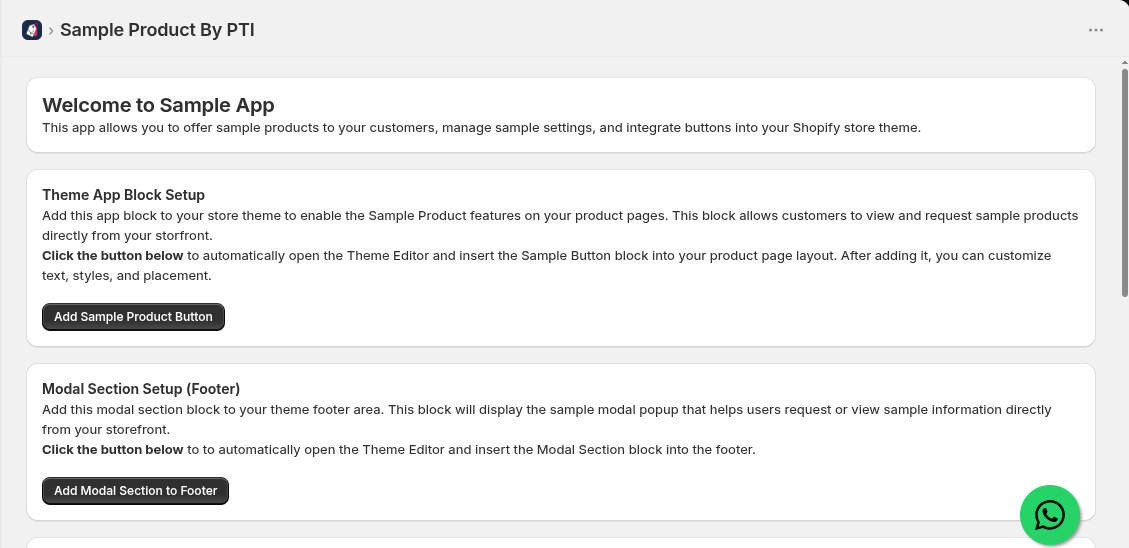
- Click the Add Sample Product Button button in your app dashboard.
- Your Shopify Theme Editor will automatically launch with the Default Product template selected.
- The Sample Button app block will be placed on your product details section.
- Drag and drop the block above or below your main "Add to Cart" button and click Save at the top right of the Theme Editor.
Modal Section Setup (Footer)
Add this modal section block to your theme footer area. This block will display the sample modal popup that helps users request or view sample information directly from your storefront.
Click the button below to automatically open the Theme Editor and insert the Modal Section block into the footer.
- Click the Add Modal Section to Footer button.
- The Theme Editor will open and place the Modal Section block inside your theme's Footer area.
- This block renders the interactive sample request popup modal across all storefront product pages.
Floating Button Setup (Footer)
Add this floating button block to your theme's footer area. This block allows you to display a sticky floating button on your store, which helps customers quickly contact you or access sample features.
Click the button below to automatically open the Theme Editor and insert the Floating Button block into the footer.
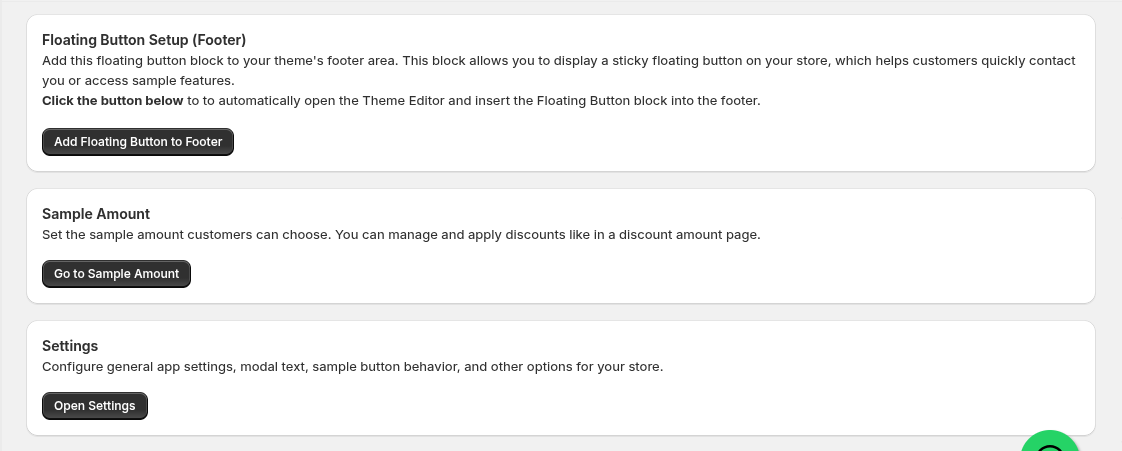
- Click the Add Floating Button to Footer button.
- In the Theme Editor, save the new Floating Button footer block.
- A sticky floating button will appear on the bottom corner of your storefront for easy sample access.
Sample Amount
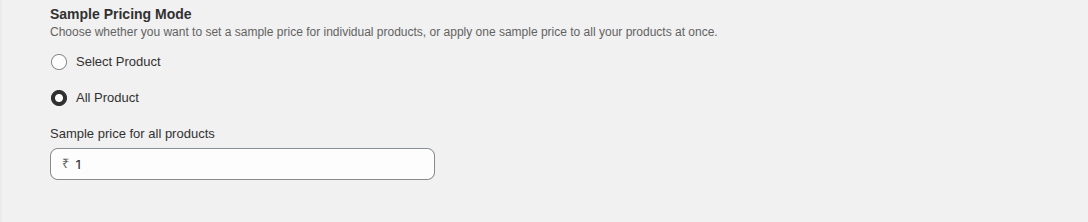
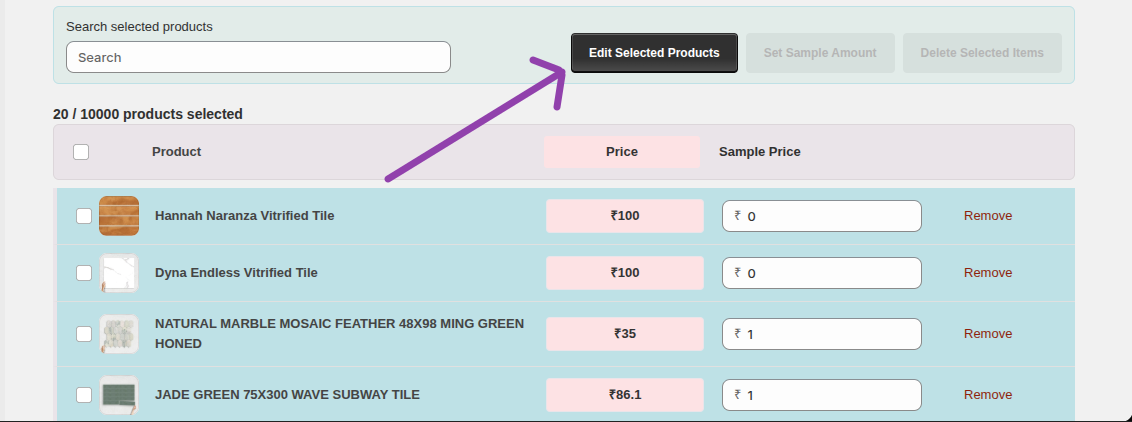
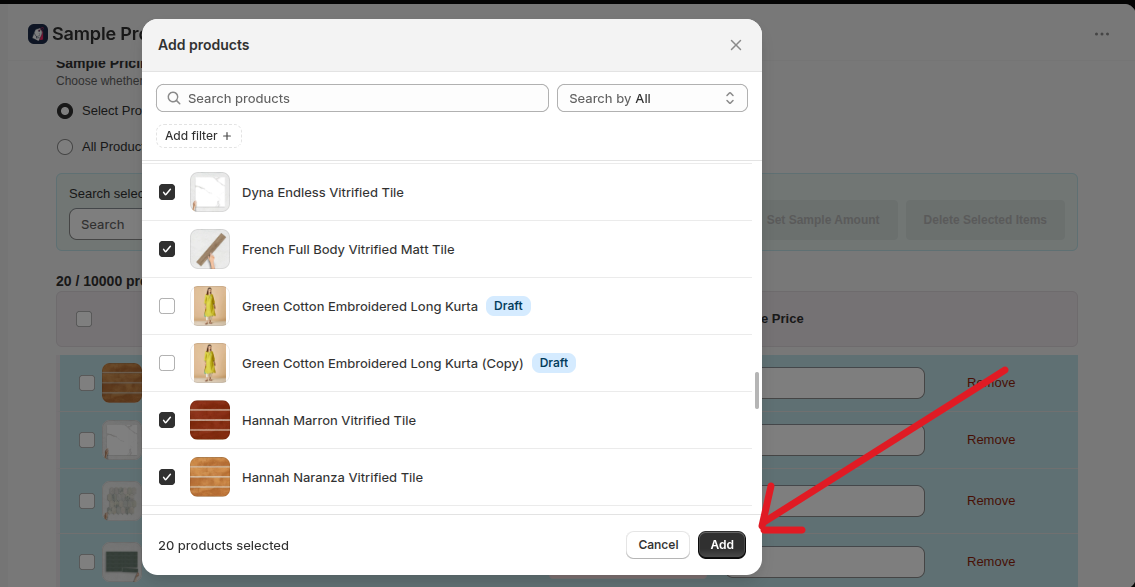
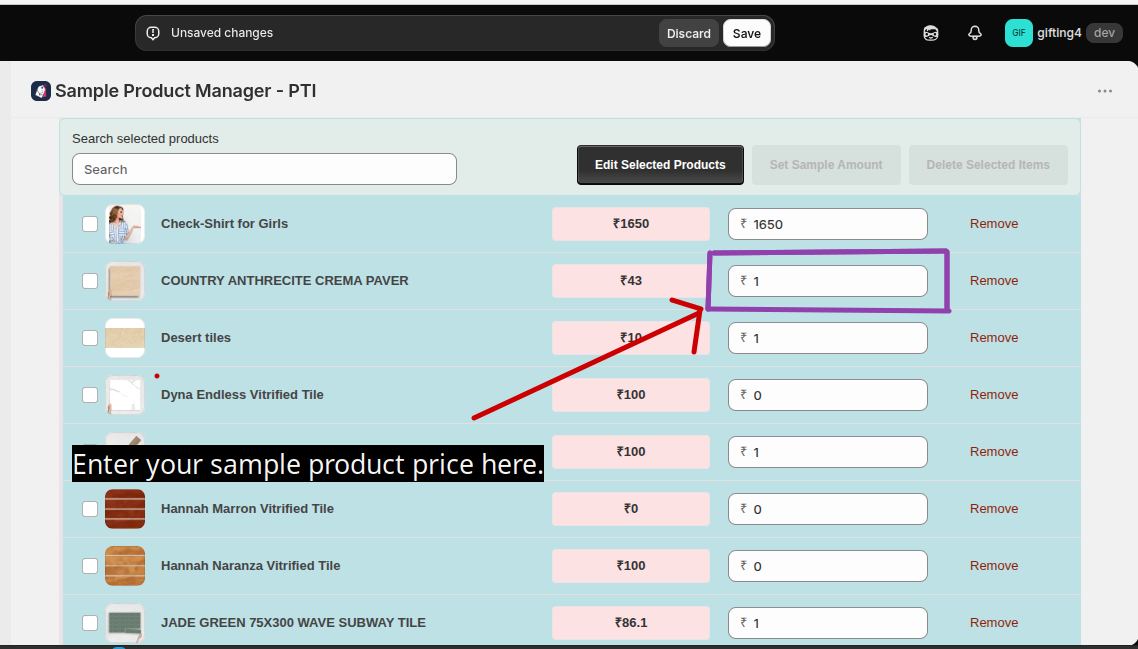
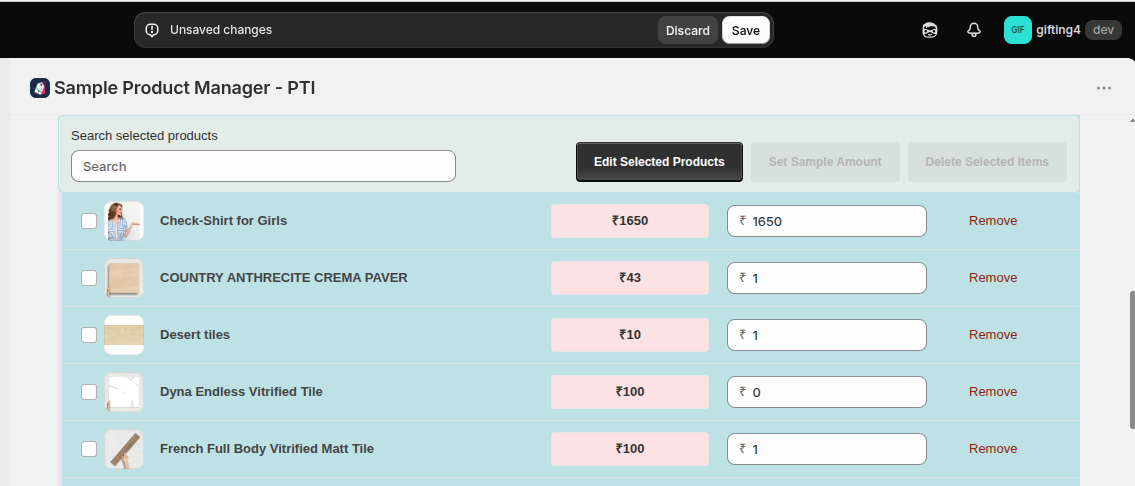
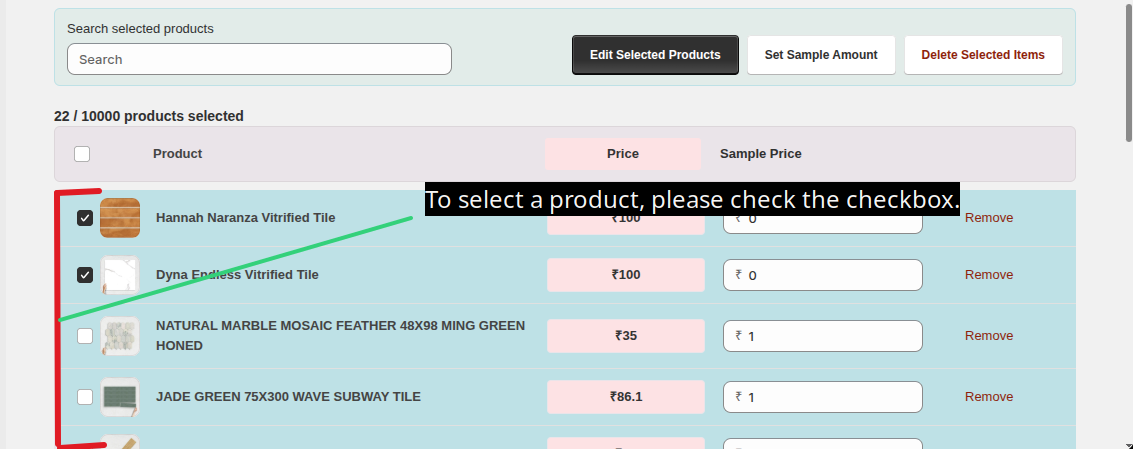
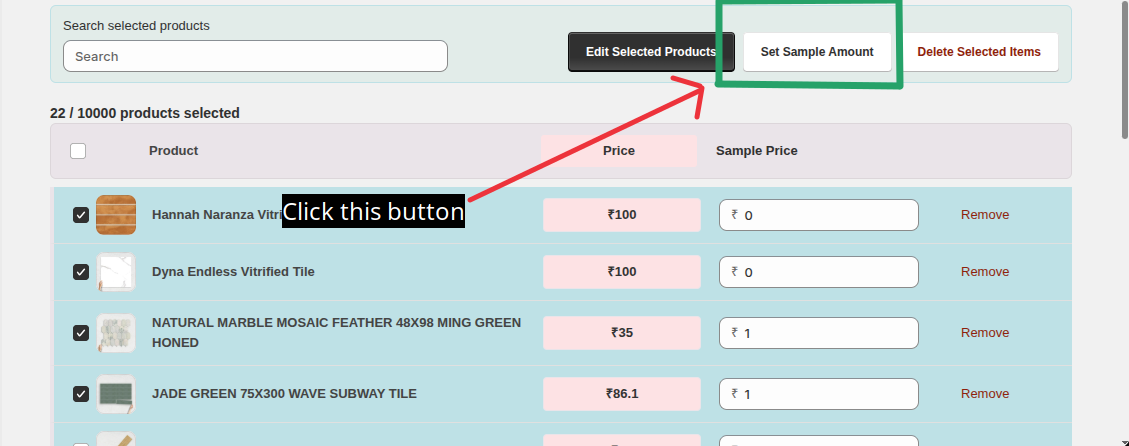
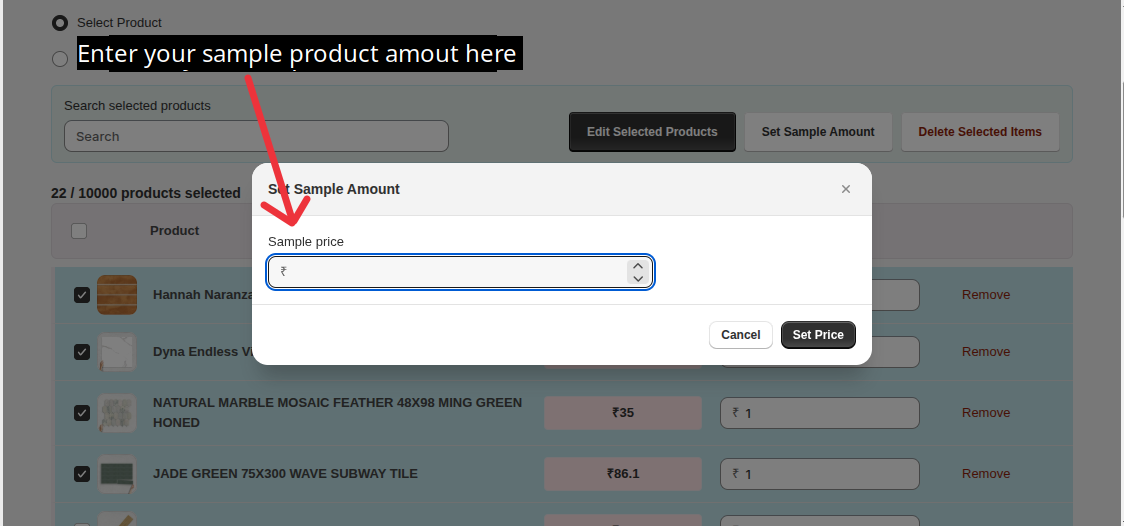
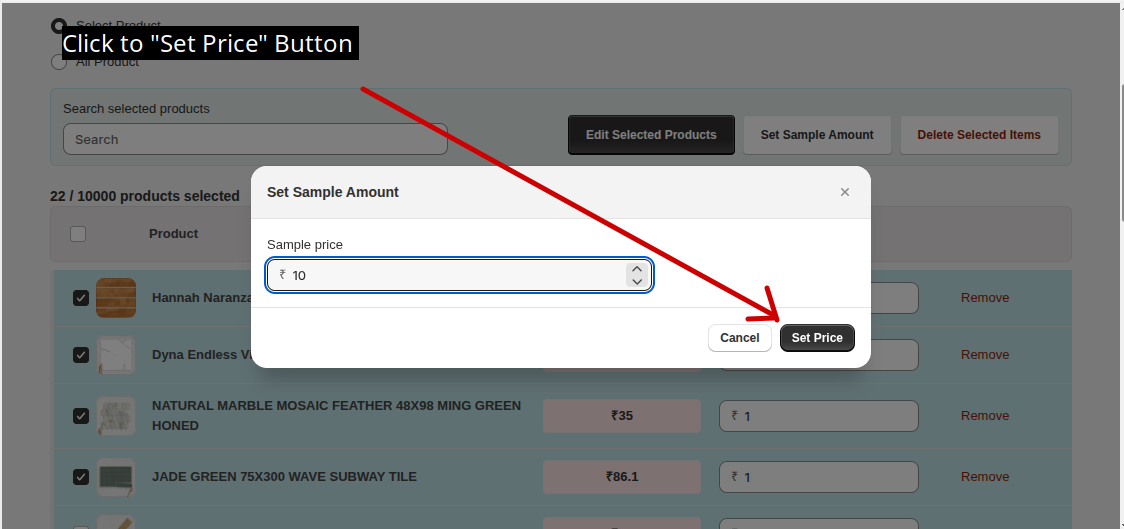
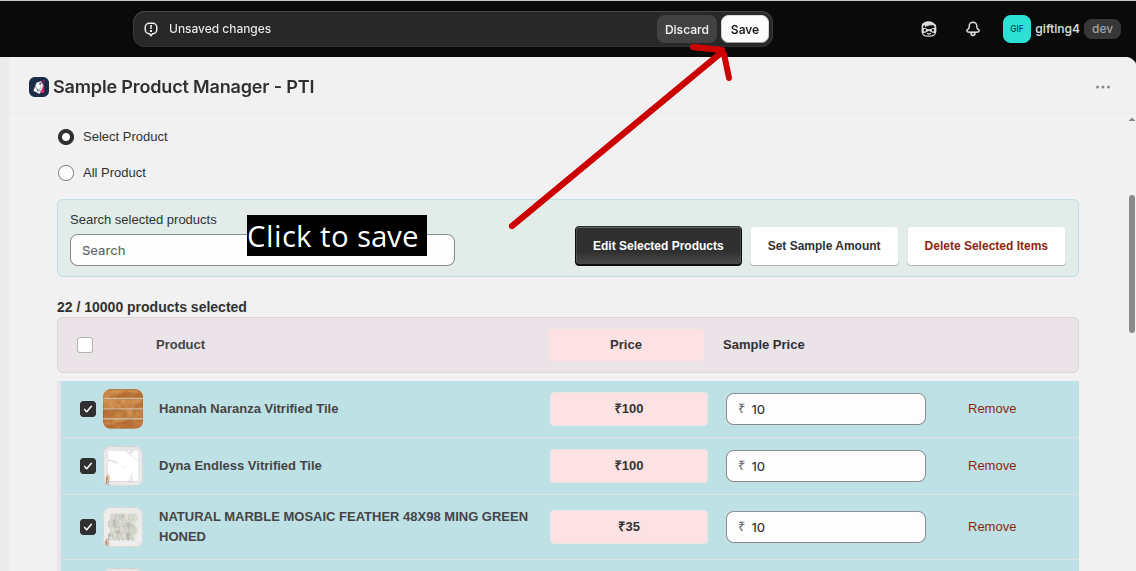
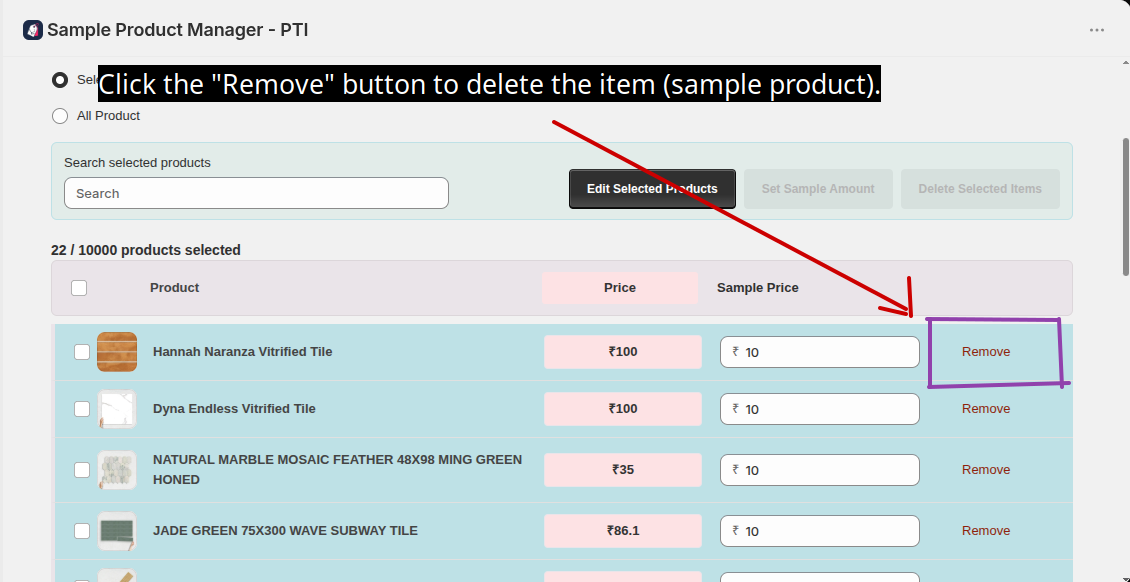
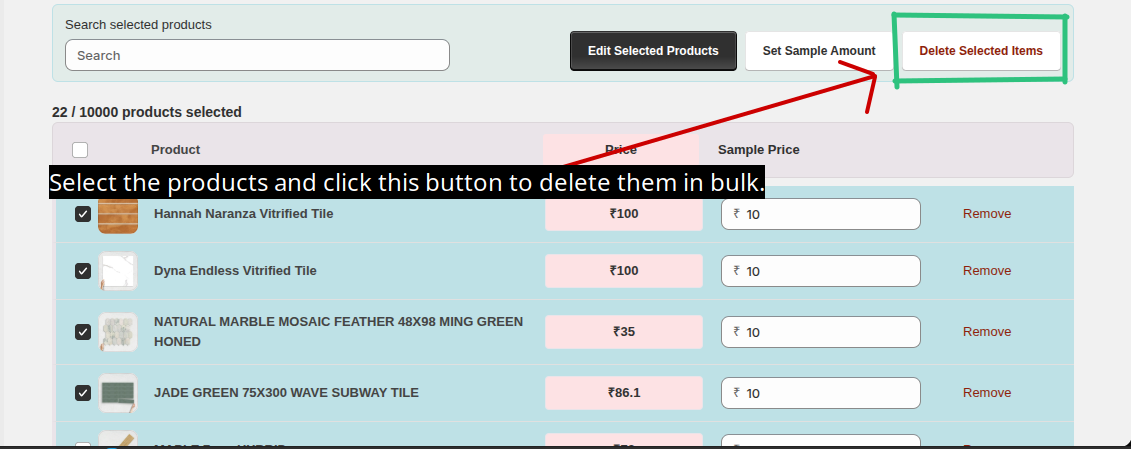
Set the sample amount customers can choose. You can manage and apply discounts like in a discount amount page.
Settings
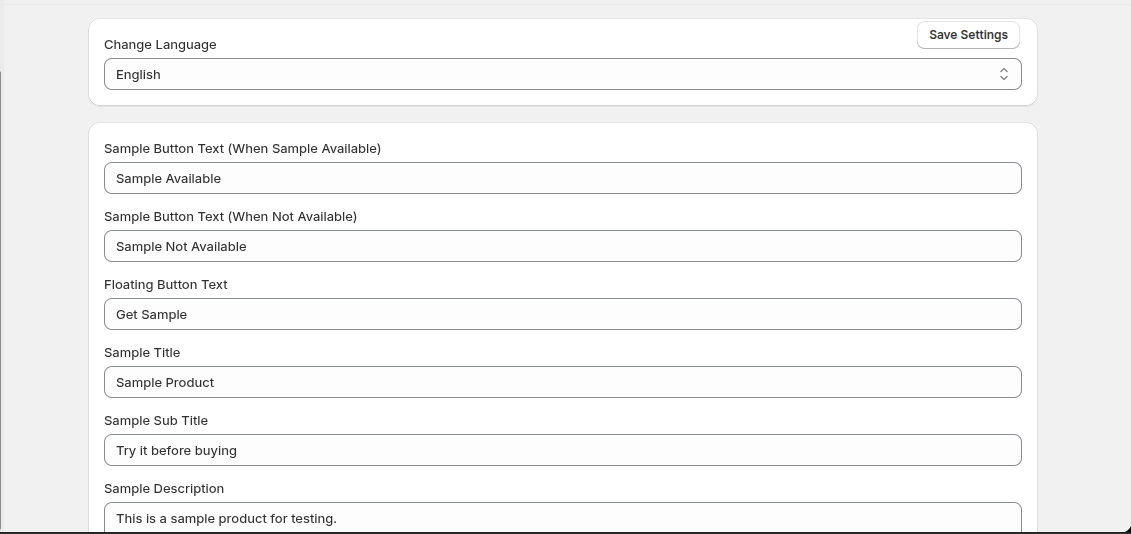
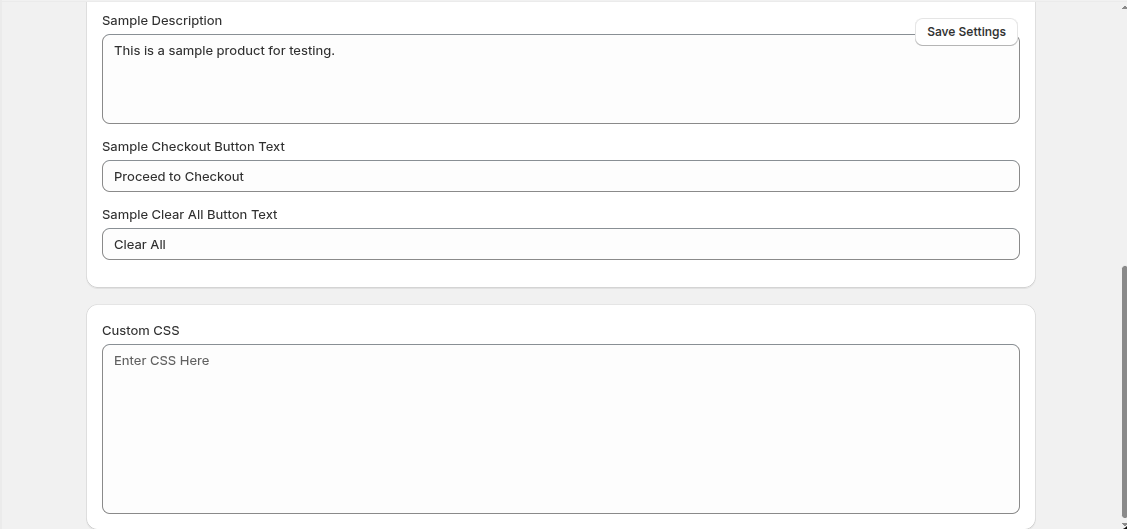
Configure general app settings, modal text, sample button behavior, and other options for your store.
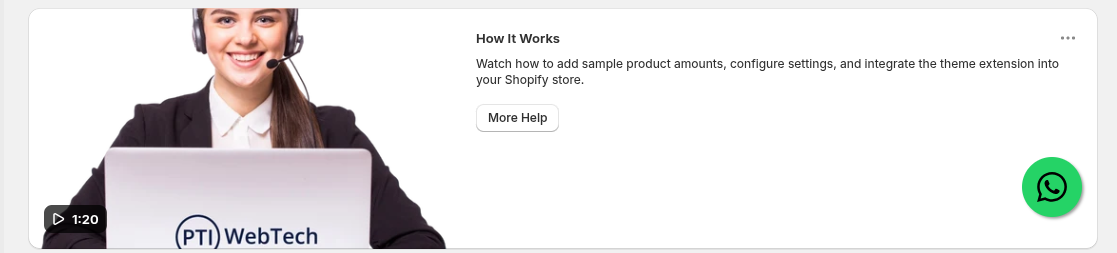
How It Works (1:20 Video Tutorial)
Watch how to add sample product amounts, configure settings, and integrate the theme extension into your Shopify store.